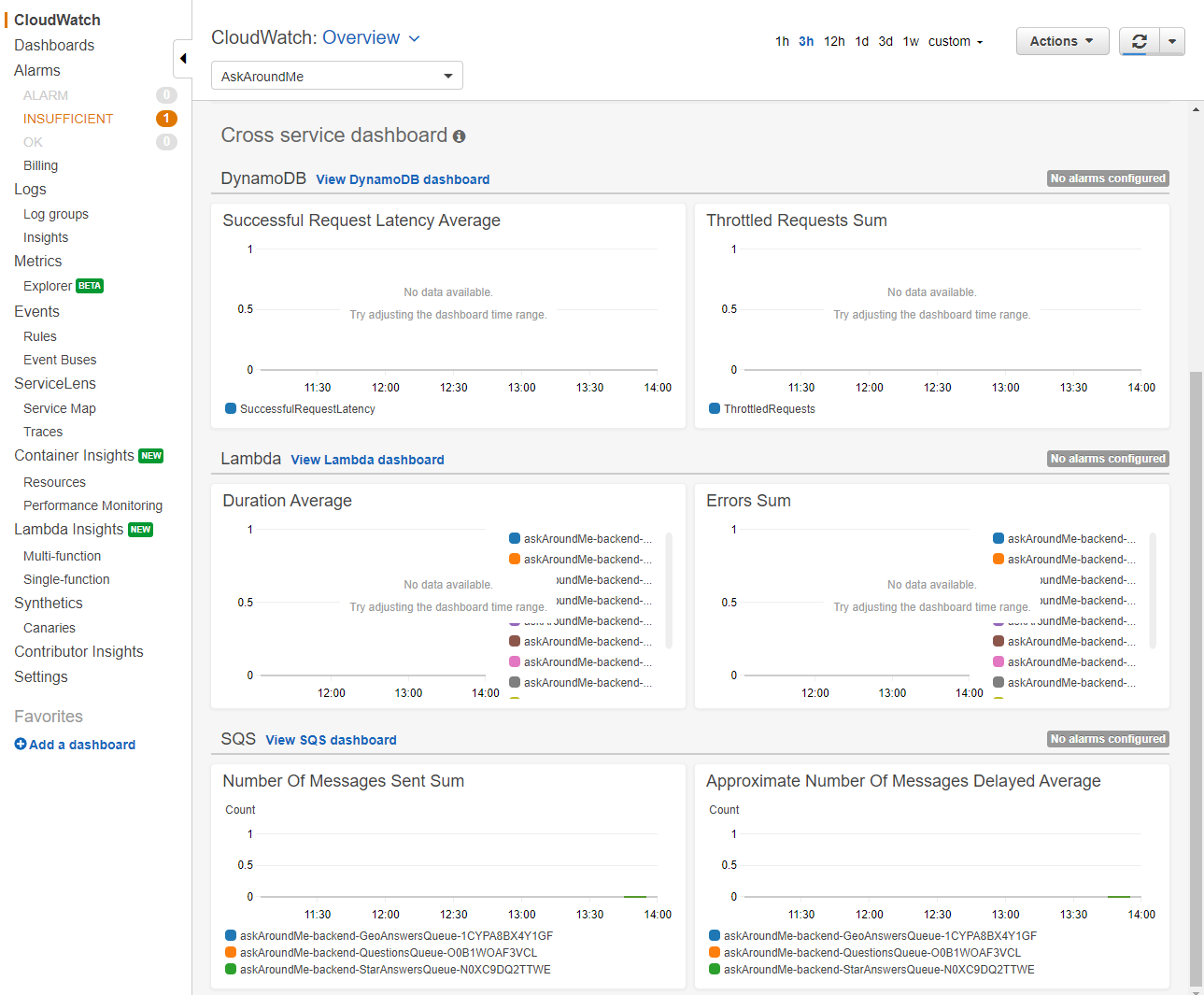
AWS Resource groups can make it easier to group and organize resources used by your workload. You can group resources around a project, environment, department, or team. For Lambda-based applications that use multiple services and AWS resources, this can provide a convenient way to organize information about those resources.
You can create a resource group by using the AWS::ResourceGroups::Group resource in a CloudFormation stack or AWS SAM template. In this example, I apply a resource group to the backend template for the Ask Around Me application. In the template.yaml file, add the following lines to the resources section:
Resources:
  ResourceGroup:
    Type: "AWS::ResourceGroups::Group"
    Properties:
      Name: AskAroundMe
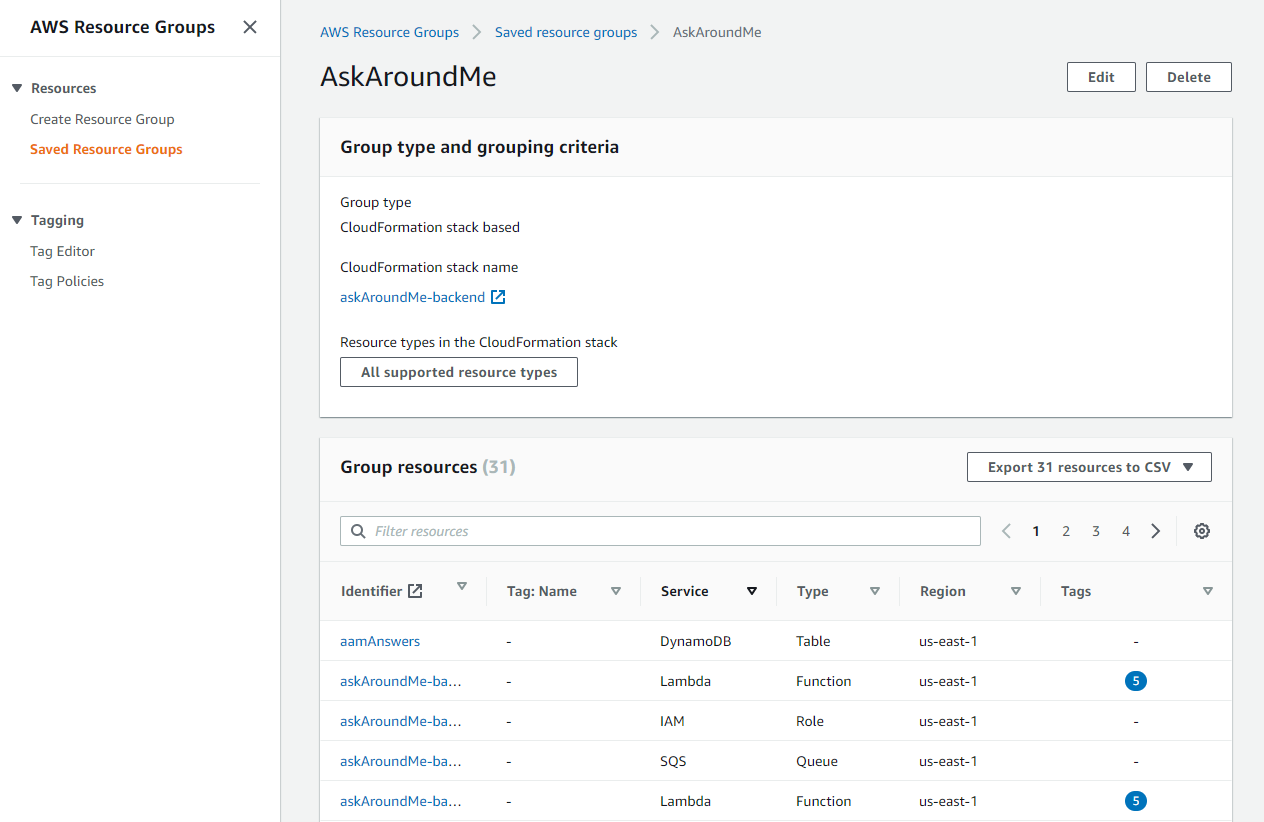
After following the deployment instructions in the README.md file, the application is listed in the AWS Resource Groups console. This view shows all related resources and group tags:
CloudWatch automatically groups monitoring resources based upon defined resource groups. From the CloudWatch console, the dropdown in the Overview panel lists grouped resources. CloudWatch automatically generates cross-service dashboards for the resources in the group. This provides a convenient way to have an instant monitoring dashboard created directly from an AWS SAM deployment.