We can break API Gateway observability approaches down into two groups - using AWS services and 3rd party products/services. In both cases, you would look for metric, logs, and traces to have full observability of your workload.
Metrics
API Gateway emits default metrics (broken down per API stage) and detailed metrics (broken down by method). Metrics include request and error counts, latencies (total and integration), cache hit/miss counts. You can create CloudWatch Alarms based on those metrics and take actions when necessary.
Besides the API Gateway service metrics, instrument your code to emit business specific metrics. Use CloudWatch Embedded Metric Format to automatically extract metrics from logs.
Logs
API Gateway provides two types of logs: execution and access. API Gateway also integrates with AWS CloudTrail, a service that provides a record of actions taken by a user, a role, or an AWS service in API Gateway. You can think about execution and access logs as API Gateway data plane log, and CloudTrail as a control plane log.
Execution log captures errors or execution traces (such as request or response parameter values or payloads), data used by Lambda authorizers, whether API keys are required, whether usage plans are enabled, and so on. Execution logging uses Amazon CloudWatch Logs.
Access log captures who accessed the API and how it was accessed. You can specify what should be included in the access logs, log format (CLF, JSON, XML, or CSV), and destination - CloudWatch Logs or Amazon Data Firehose. Note, that Kinesis Data Firehose can use various destinations for the delivery stream - Amazon S3, OpenSearch service, various partner integrations.
CloudTrail captures all REST API calls for API Gateway service APIs as events, including calls from the API Gateway console and from code calls to the API Gateway service APIs. Using the information collected by CloudTrail, you can determine the request that was made to API Gateway, the IP address from which the request was made, who made the request, when it was made, and additional details. CloudTrail does not log API Gateway data events.
Traces
You can use AWS X-Ray to trace and analyze user requests as they travel through your Amazon API Gateway REST APIs to the underlying services. Because X-Ray gives you an end-to-end view of an entire request, you can analyze latencies in your APIs and their backend services. You can use an X-Ray service map to view the latency of an entire request and that of the downstream services that are integrated with X-Ray. You can also configure sampling rules to tell X-Ray which requests to record and at what sampling rates, according to criteria that you specify.
Other tools
AWS DevOps Agent
AWS DevOps Agent is a frontier agent that resolves and proactively prevents incidents, continuously improving reliability and performance. AWS DevOps Agent investigates incidents and identifies operational improvements as an experienced DevOps engineer would: by learning your resources and their relationships, working with your observability tools, runbooks, code repositories, and CI/CD pipelines, and correlating telemetry, code, and deployment data across all of them to understand the relationships between your application resources, including applications in multicloud and hybrid environments.
ServiceLens
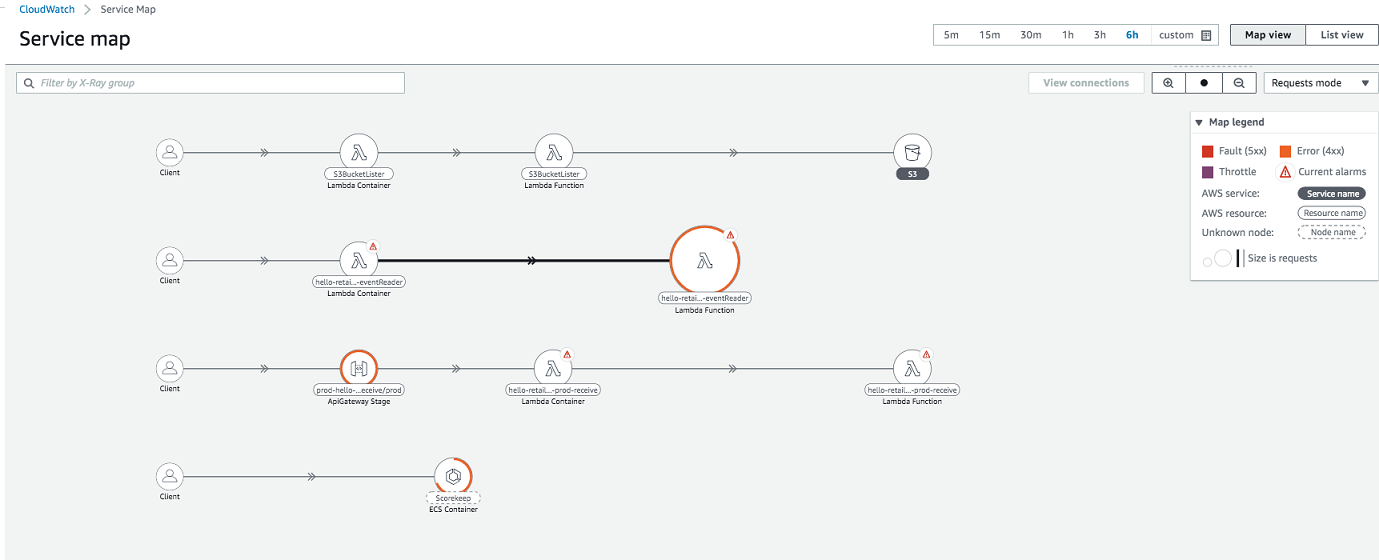
CloudWatch ServiceLens enhances the observability of your services and applications by enabling you to integrate traces, metrics, logs, alarms, and other resource health information into one place. ServiceLens integrates CloudWatch with AWS X-Ray to provide an end-to-end view of your application to help you more efficiently pinpoint performance bottlenecks and identify affected users. A service map displays your service endpoints and resources as “nodes” and highlights the traffic, latency, and errors for each node and its connections. You can choose a node to see detailed insights about the correlated metrics, logs, and traces associated with that part of the service.
Synthetic monitoring
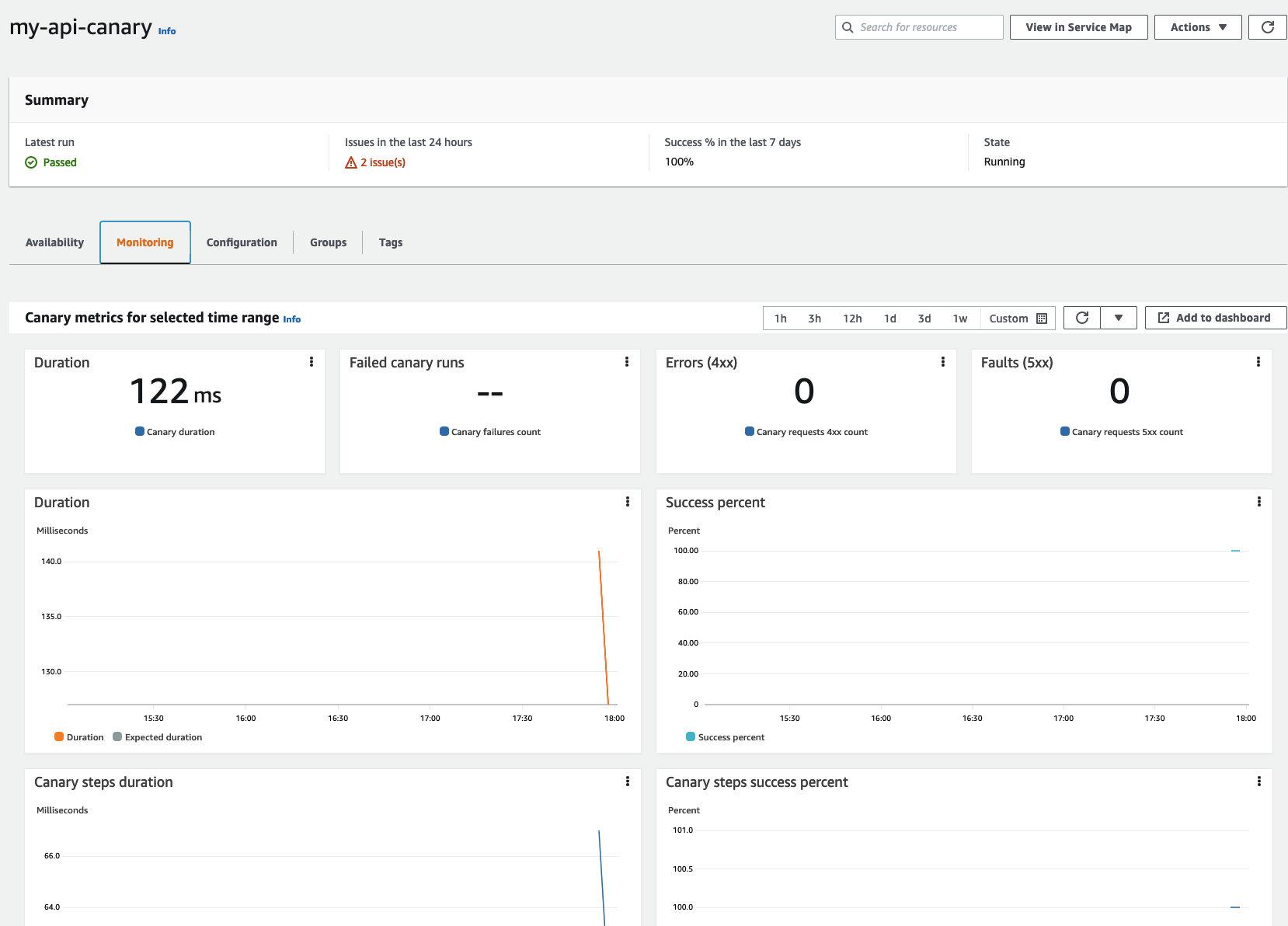
You can use Amazon CloudWatch Synthetics to create canaries, configurable scripts that run on a schedule, to monitor your endpoints and APIs. Canaries follow the same routes and perform the same actions as a customer, which makes it possible for you to continually verify your customer experience even when you don't have any customer traffic on your applications. By using canaries, you can discover issues before your customers do.
Dashboards
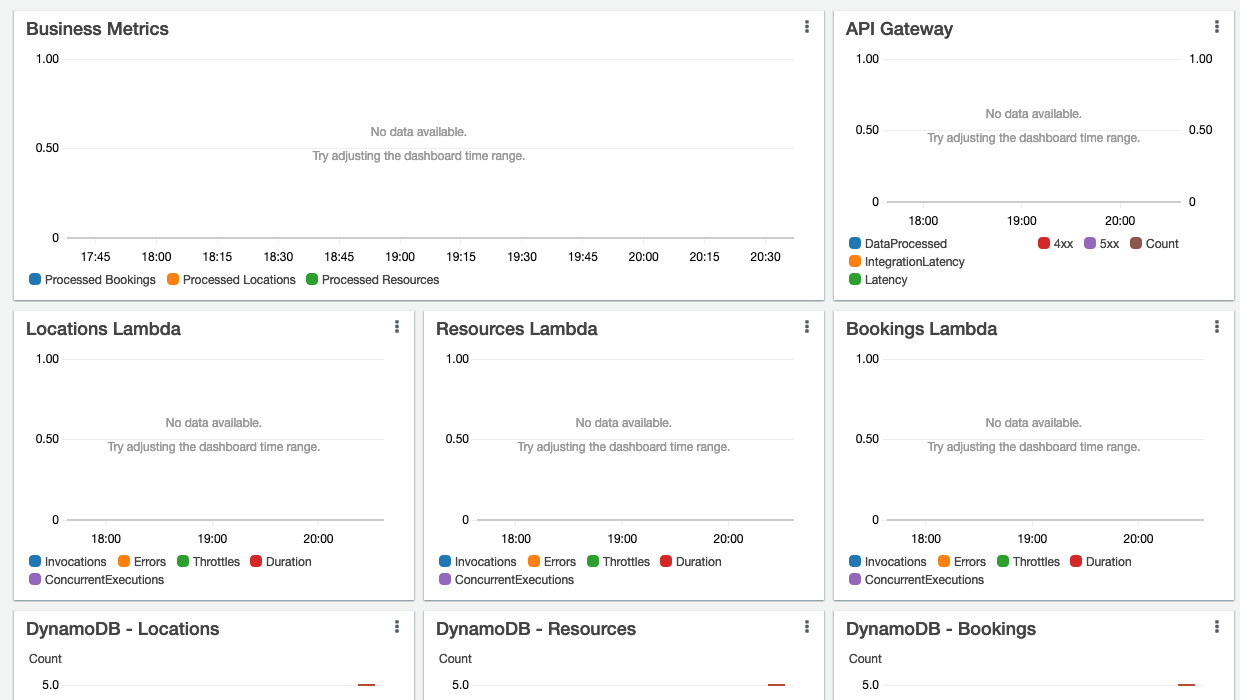
Amazon CloudWatch dashboards are customizable home pages in the CloudWatch console you can use to monitor your resources in a single view. You can use CloudWatch dashboards to create customized views of the metrics (including business ones) and alarms for your API and entire application stack. You can include dashboard definition in your Infrastructure as Code templates (see example link in the sidebar).
Open source tools
You could also adopt open-source tools such as Prometheus, Grafana and Open Telemetry through the use of AWS managed services such as Amazon Managed Service for Prometheus, Amazon Managed Grafana as well AWS Distro for OpenTelemetry. API Gateway does not support them directly. You would need to configure logs/metrics/traces propagation and instrument your application stack.
Partner solutions
There is a variety of AWS partners that provide observability focused services. Some of them have API Gateway specific features, others include an entire application stack. Following is a non-exhaustive list:
Created by: